Technical paper15 min read
Lite Paper
A quick primer on browser isolation and how Legba makes it simple.
Research papers, browser threat playbooks, AI security guides, and secure app browsing explainers from the team behind Legba.
Read the papers for architecture depth and background. Then move into the guide hubs and explainers for the practical entry points.
A quick primer on browser isolation and how Legba makes it simple.
A detailed look at browser-native isolation, threat trends, and enterprise security architecture.
A private execution layer for digital assets. Privacy-first crypto wallet architecture.
Start with the pages that explain browser isolation, AI security, and secure browsing in the exact terms people search.





Choose a mode
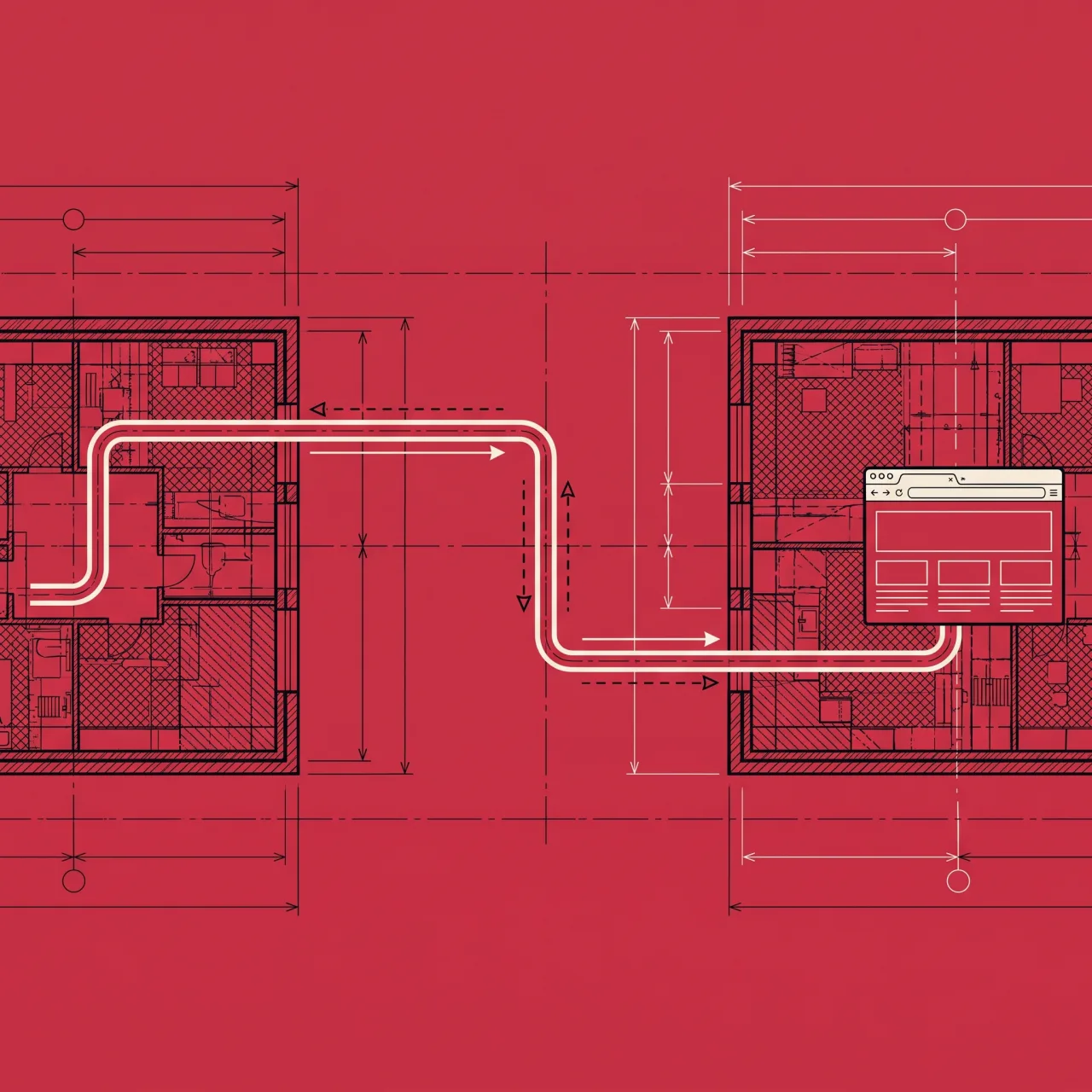
Ghost to reach something. Shield to stay away from something. Agent builders reach the same routing and isolation through a ready skill.
Use this page as the crawlable hub for the topics people actually search: browser security, browser threat playbooks, secure app browsing, and AI security in the browser.
Start with the main browser security hub, then branch into threat playbooks, secure app browsing, and AI security explainers.
Explore hub02Phishing, malicious downloads, session theft, and browser-native attack patterns with practical checklists and mitigation context.
Explore hub03Operational guidance for securing SaaS workflows in the browser without pretending every app has a native Legba integration.
Explore hub04Prompt injection, data leakage, governance, and browser-enforceable controls for modern AI tool usage.
Explore hubLegba is a Chrome extension with two modes. Ghost gives you a private browser route. Shield opens a page in an isolated browser off your device.
Free for 30 days. No card required.
Ghost. A private route for your browser. Shield. An isolated browser, off your device. Choose the mode. Close when finished.
