Open phishing links.
Click a suspicious link inside a disposable session. The fake login page never reaches your real credentials.
Credentials stay yours
[ browser isolation chrome extension ]
Open suspicious links off your machine. The extension spawns a clean session, loads the risky page there, and burns it on close.
$10/month. Install it, open a clean tab, close it. See pricing
One session. Three states. Nothing left behind.
[ what it does ]
Browser isolation in three steps. Spawn a clean session, do the work, and destroy it when the job is done.
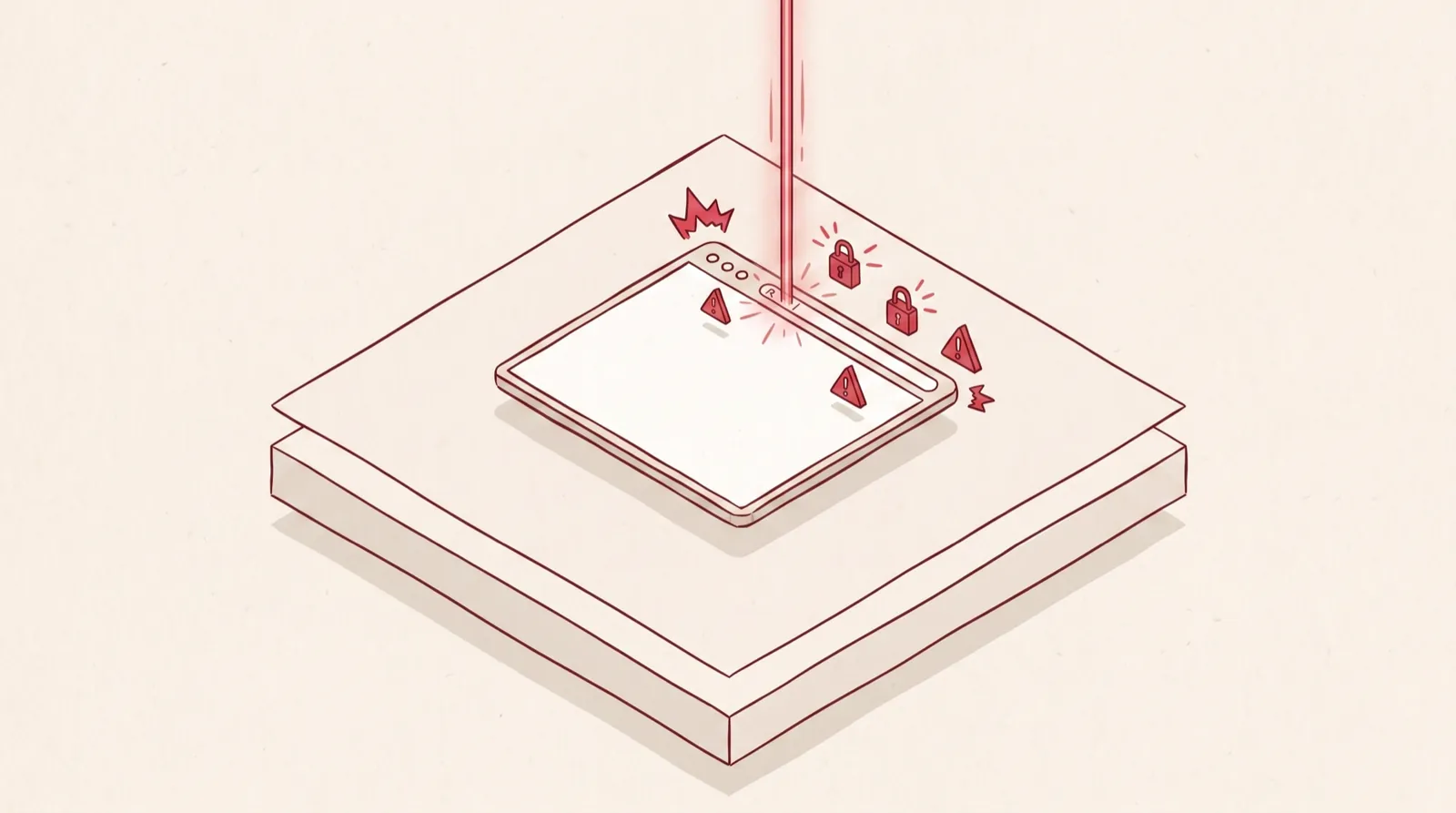
Catch the risk at the browser edge
Phishing pages, credential traps, and poisoned prompts hit the browser first. That is where Legba starts.
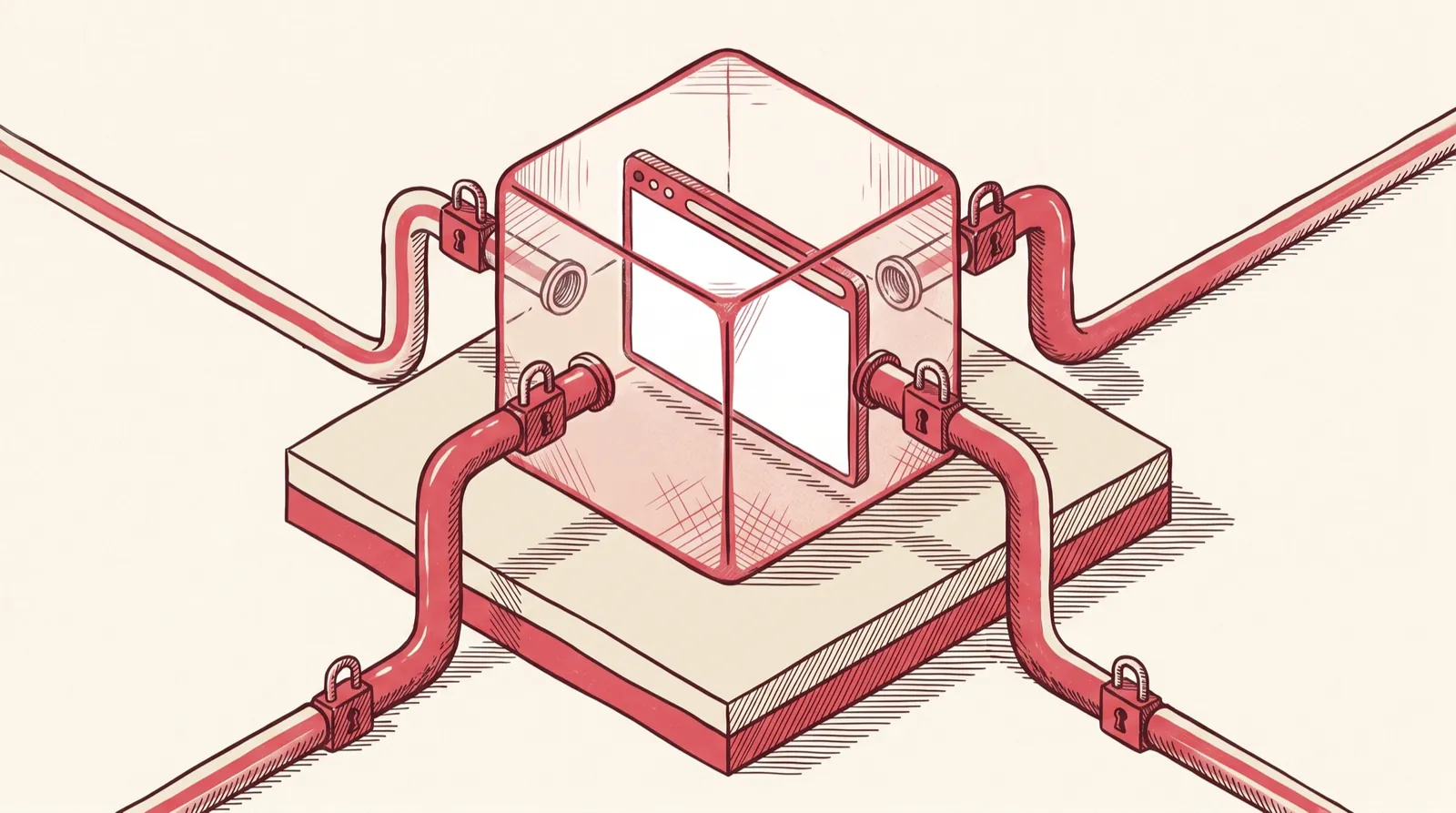
Route the page into a disposable session
The risky page runs in an isolated real browser session. It never shares the device you are sitting at.
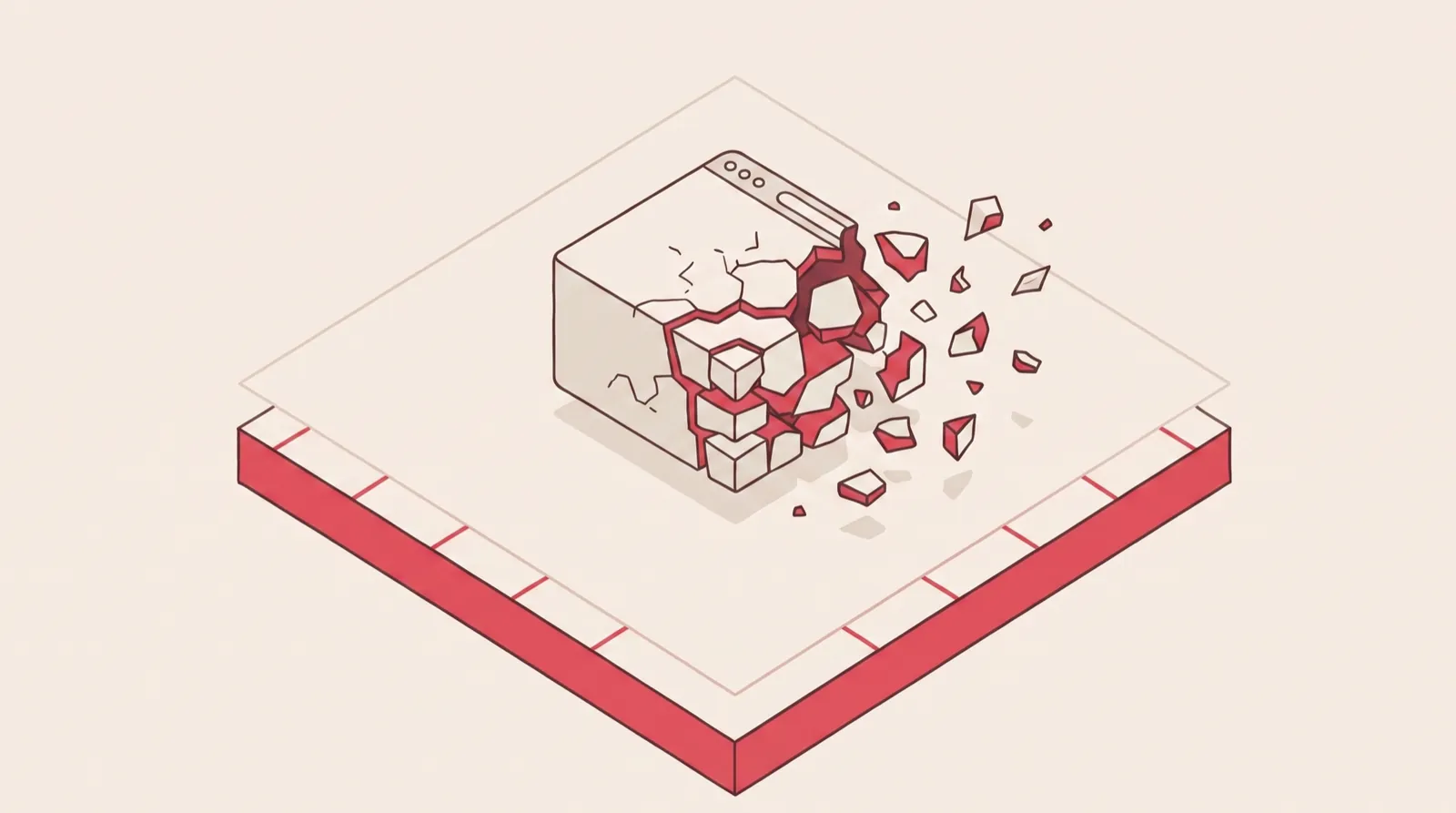
Burn the session on close
Close the tab and the session is destroyed. No cookies carried in, no residue left behind.
Why it matters → the safest tab is the one you can open in a second and throw away just as fast.
[ key benefits ]
Four jobs the browser isolation chrome extension does. The rest of your browsing stays quiet and unchanged.
Legba is a Chrome extension that opens risky links in a disposable browser. The risky page loads in a real browser running off your machine, on a fresh residential IP. Your device never touches the page. Burn on close means the session is destroyed the moment you close the tab. Cookies, downloads, and history go with it. Nothing carries over to your next session.
Click a suspicious link inside a disposable session. The fake login page never reaches your real credentials.
Malicious downloads land in the isolated session. They are destroyed when you close the tab.
Do the browsing in isolation. Your local files stay out of the blast radius.
Run prompts and attachments off your machine. They stay separate from your normal browser.
[ ghost mode ]
Ghost Mode shows the session state plainly. You can see when traffic is isolated instead of guessing.
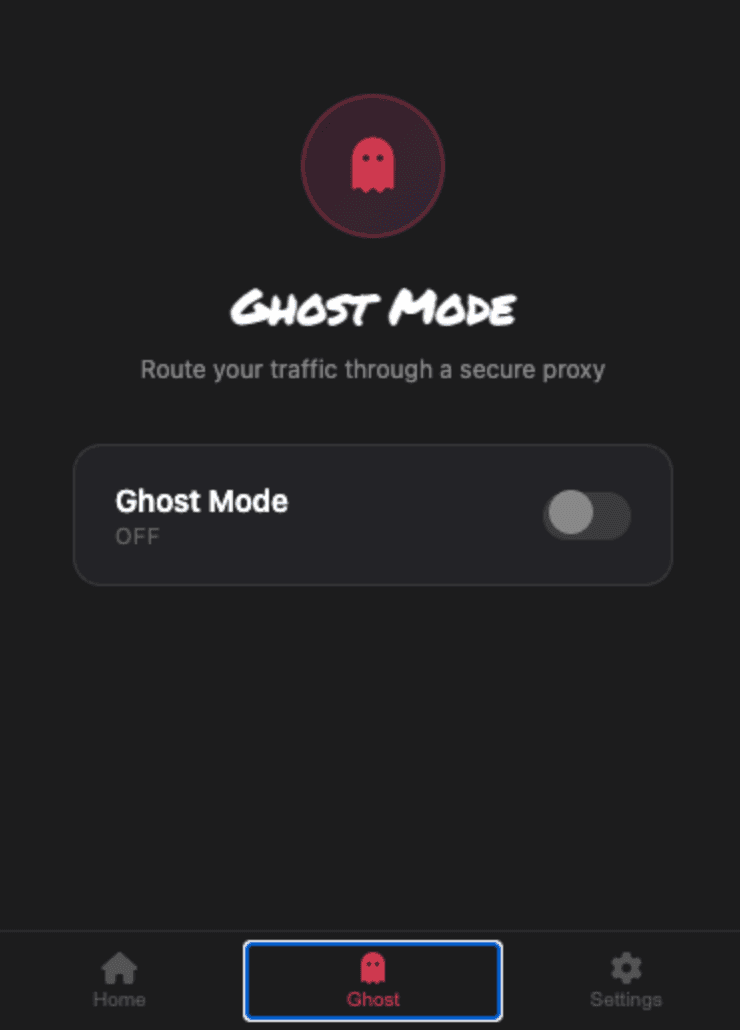
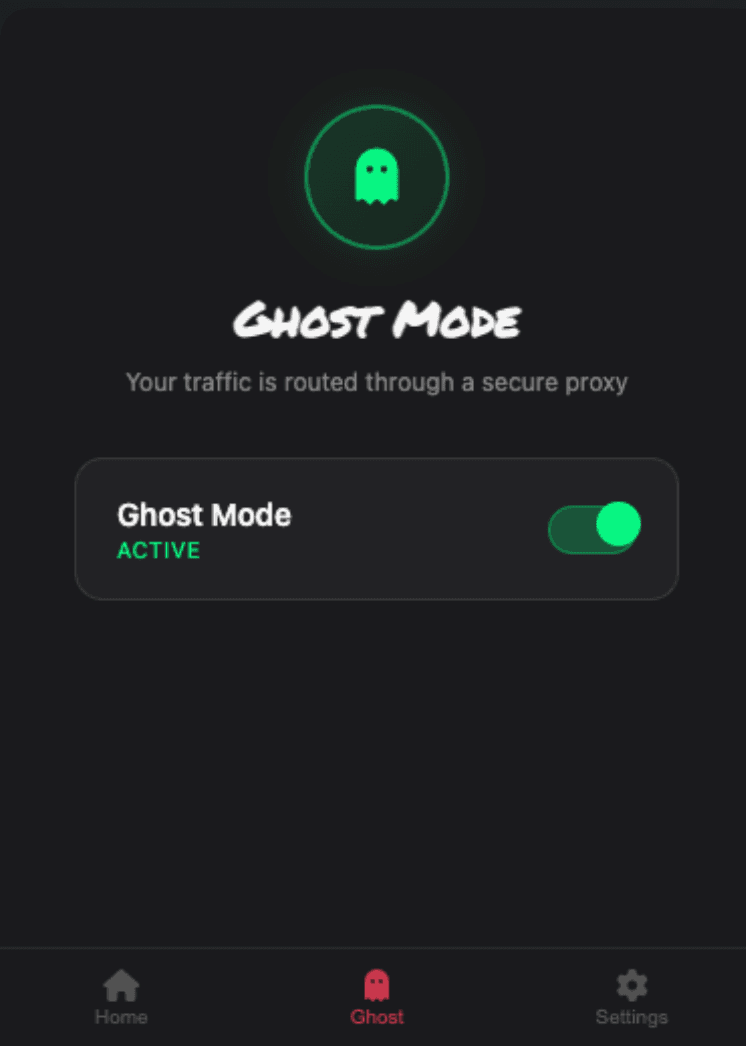
Visible proof → Ghost Mode shows the route changing. You can see the isolation, not just trust it.
[ why legba ]
Remote browser isolation for individuals and small teams. Real isolation, without the enterprise drag that usually comes with it.
Install it, spawn a session, and go. Sessions boot in under 200 milliseconds. No setup stands between you and a clean tab.
No settings maze. No policy tuning. No training deck before anyone can open a suspicious link safely.
It stays out of the way during normal browsing. It speaks up only when the session state matters.
[ credibility ]
No vapor. Legba ships today, shows the session state plainly, and keeps every claim tied to something you can check.
Patent pending. On the Chrome Web Store today. The isolation state is visible in the browser, without cluttering the rest of it.
Comparing options? Read how Legba compares to SquareX as a browser isolation extension.
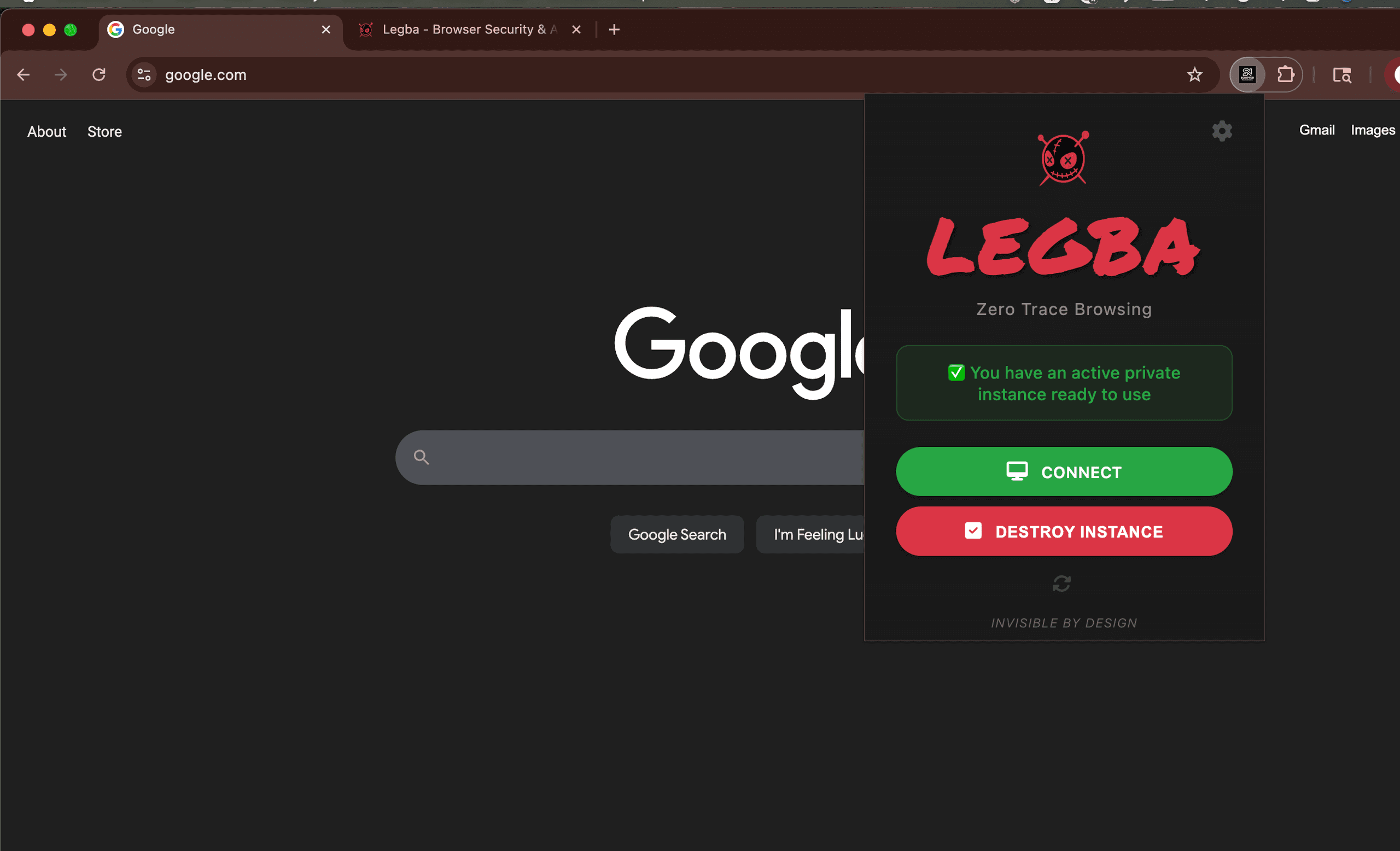
The isolation method is patent pending. The approach is backed by real product IP, not just branding.
You install it from the Chrome Web Store. Setup stays familiar for individuals and small teams.
Remote browser isolation usually ships as an enterprise contract. Legba is $10 per month, one extension, no sales call.
Deployment paths
Use the commercial surfaces below to match the way buyers actually evaluate Legba: Chrome extension first, MSP rollout second, isolated agent sandbox when the workflow turns into autonomous execution. Compare Legba with the alternatives.
See how to roll browser isolation out across multiple clients, manage policy centrally, and position Legba as a service-layer control.
ExploreEvaluate autonomous coding agents in a disposable cloud environment instead of handing them access to your laptop or client endpoints.
ExploreJump into the browser isolation, AI security, and threat explainers that support the commercial product story with practical detail.
ExploreLegba is a Chrome extension with two modes. Ghost gives you a private browser route. Shield opens a page in an isolated browser off your device.
Free for 30 days. No card required.
Ghost. A private route for your browser. Shield. An isolated browser, off your device. Choose the mode. Close when finished.
