VPN vs proxy vs browser isolation: How to choose
VPNs route device traffic. Proxies route selected app traffic. Browser isolation changes where web content runs. Compare scope, encryption, and fit.
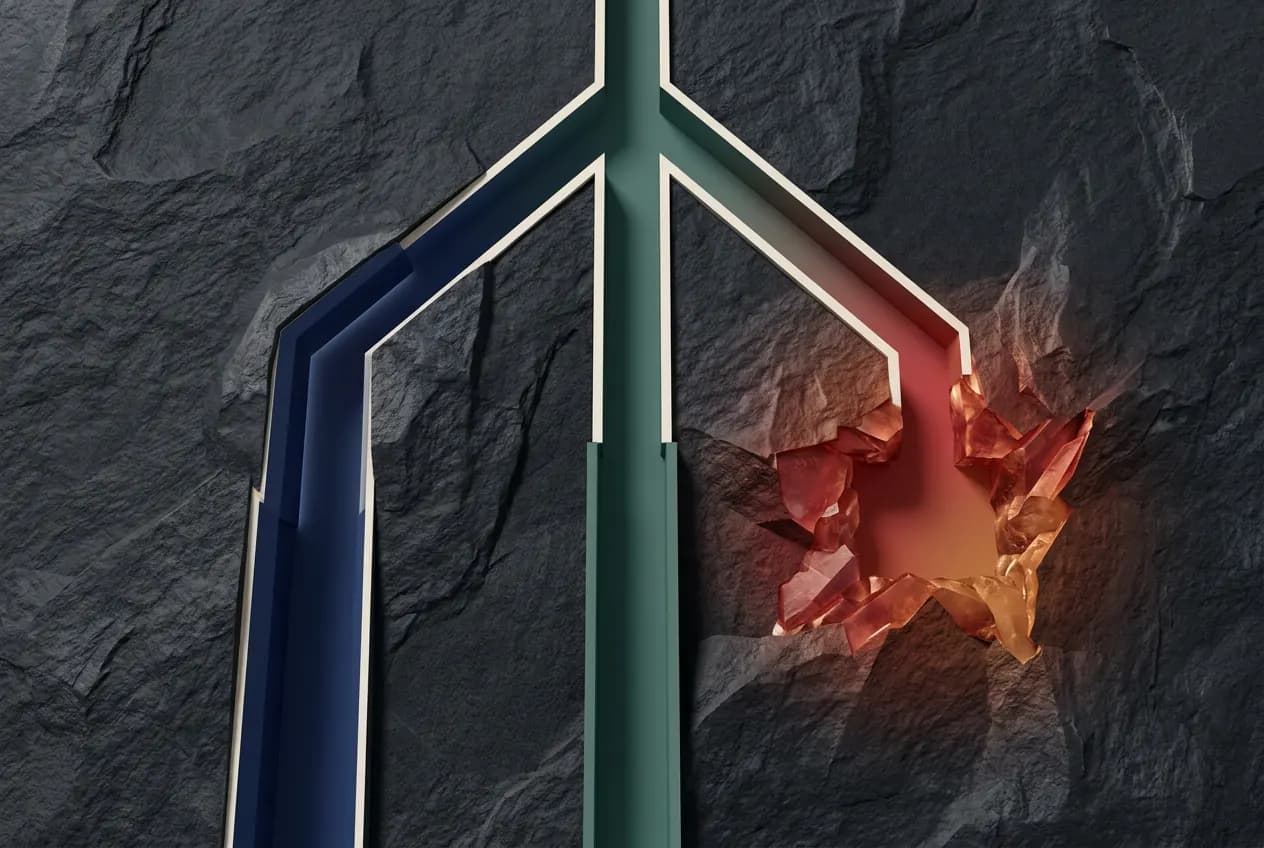
Choose by the layer you need. VPNs route configured device traffic. Proxies route selected application traffic. Browser isolation changes where web content runs. Use more than one when needed.
What Each Tool Actually Does (One Sentence Each)
- VPN: Encrypts traffic assigned to its tunnel. Tunneled destinations see the VPN exit IP. Split tunneling leaves other traffic on its normal route.
- Proxy: Routes specific application traffic (usually HTTP/HTTPS or SOCKS) through an intermediary server, changing your apparent IP address for that traffic without encrypting it by default.
- Browser isolation: Executes web content in a remote or edge-based environment, separating page execution from local browser state.
VPNs, Explained
A VPN encrypts traffic between your device and a server. Full-tunnel routing sends device traffic through it. Split tunneling sends only selected traffic. Microsoft's VPN routing guide explains both configurations. Tunneled sites see the VPN exit IP.
How it works: Your device establishes an encrypted tunnel. Common protocols include WireGuard, OpenVPN, and IKEv2. The VPN encrypts traffic assigned to its tunnel. The VPN server decrypts and forwards it. Return traffic follows the reverse path.
Strengths:
- Encrypts configured traffic beyond the browser
- Shows the VPN exit IP to tunneled destinations
- Protects the contents of tunneled traffic from local-network eavesdropping
- Can change the apparent location of tunneled traffic
- Encrypts routed traffic on untrusted networks
Limitations:
- Does not inspect or modify web content. Malware passes through the tunnel encrypted.
- Does not prevent phishing, drive-by downloads, or browser exploits
- Tunneled traffic may take an extra network hop
- The provider can see tunneled connection metadata
- Increasingly detected and blocked by streaming services and some websites
VPNs are facing growing regulatory pressure as well. For context on where VPN restrictions are heading, see The VPN Ban Is Coming: Here's What You Stand to Lose.
Proxies, Explained
A proxy server acts as an intermediary between your device and the destination server. Your request goes to the proxy first, and the proxy forwards it to the destination on your behalf.
There are several types, and the differences matter:
HTTP/HTTPS Proxies
These handle web traffic only. An HTTP proxy can see and modify unencrypted traffic. An HTTPS proxy tunnels encrypted traffic but cannot inspect its contents. These are commonly used in corporate environments for content filtering and logging.
SOCKS Proxies (SOCKS4, SOCKS5)
SOCKS proxies operate at a lower level than HTTP proxies. They can handle any type of traffic (not just web), making them useful for applications beyond browsers. SOCKS5 adds authentication and supports UDP, which makes it suitable for more use cases. However, SOCKS proxies do not encrypt traffic by default.
Web Proxies
Browser-based proxy services (like the old web proxies where you type a URL into a form) that fetch pages on your behalf. These are the least secure option: they can inject ads, log your traffic, and provide no meaningful security guarantees.
Strengths of proxies:
- Change your apparent IP address for specific traffic
- Typically faster than VPNs (less overhead, no encryption by default)
- Can be configured per application (route only browser traffic, for example)
- Useful for testing, scraping, and accessing region-specific content
- Corporate proxies enable content filtering and access logging
Limitations of proxies:
- No encryption by default. Unless you are using an HTTPS proxy with TLS, your traffic is visible to anyone on the network between you and the proxy.
- No security protection. Proxies route traffic. They do not inspect, sanitize, or isolate web content. Malware, phishing pages, and exploits pass through unchanged.
- No session cleanup. Cookies, cache, and browsing history persist on your local device exactly as they would without a proxy.
- Trust problem. Free and cheap proxy providers frequently log traffic, inject advertisements, or sell usage data. The proxy sees everything you send through it.
- DNS leaks. Many proxy configurations only route HTTP/HTTPS traffic, while DNS requests still go through your normal ISP connection, revealing which sites you visit.
The most common misconception about proxies is that they provide security. They do not. A proxy changes where your traffic appears to come from. It does not change what happens when that traffic reaches your browser.
Browser Isolation, Explained
Browser isolation operates on a fundamentally different principle. Instead of changing how traffic routes between your device and the server, it changes where web content executes.
When you browse through an isolation layer, the web page loads and renders in a remote environment (a cloud container, an edge node, or a sandboxed process). Delivery varies. Some products stream pixels. Others provide a sanitized DOM. Evaluate downloads, clipboard access, and the exact execution boundary separately.
Strengths:
- Can keep page code from executing in the local browser
- Separates isolated page execution from local browser state
- Some products discard the execution environment when the session ends
- Can start a session without prior browser state
- Supports a browser-tab execution boundary
- Some products include proxy routing for IP masking and geographic access
Limitations:
- Does not encrypt all device traffic (only browser sessions are isolated)
- Does not provide access to private corporate networks (that is a VPN's job)
- Does not make a malicious form safe for secrets you enter
- Paid service (no built-in browser feature equivalent)
- Some implementations add latency (though edge-based solutions minimize this)
For the full architectural breakdown of how browser-native isolation works, see How Legba's Browser-Native Isolation Actually Protects You.
The Three-Way Comparison Table
| Capability | VPN | Proxy | Browser Isolation |
|---|---|---|---|
| What it reroutes | Configured device traffic | Specific application traffic | Browser session execution |
| Encryption | Traffic in the tunnel | No (by default) | Relies on HTTPS |
| IP address masking | For tunneled traffic | Yes (proxied traffic only) | Yes (if proxy routing included) |
| Local page-code execution | Unchanged | Unchanged | Moved when remotely isolated |
| Page execution location | Local browser | Local browser | Remote or isolated environment |
| Session cleanup | No | No | Depends on product |
| Session state | Local browser state | Local browser state | Separate browser environment |
| Application scope | Whole device or selected traffic | Configured applications only | Browser sessions only |
| Deployment complexity | Client app or OS config | Per-app configuration | Browser extension or managed browser |
| Latency impact | Depends on routing and server | Low (only proxied traffic) | Implementation-specific |
Scenario Guide: Which Tool for Which Job
"I want to hide my IP address from websites"
A VPN or proxy can change the website-facing IP. A VPN affects traffic assigned to its tunnel. A proxy affects configured application traffic. For device-wide routing, choose a full-tunnel VPN. Ghost gives only your browser a private route. Shield changes where the page runs.
"I want untrusted page code off my device"
Use remote browser isolation. VPNs and proxies change traffic routing. They leave page execution in the local browser. Remote isolation moves page execution away from your device. It does not make every interaction safe.
"I want to bypass geo-restrictions"
A VPN is the traditional choice for shifting your apparent location. Proxies work for specific applications. Ghost lets you choose a browser route. Shield adds isolated page execution when location is not the only job.
"I want ephemeral, zero-residue browsing sessions"
VPNs and proxies do not change local browser state. Browser isolation can keep session state in a separate environment. Persistence and cleanup depend on the product. Shield destroys its isolated session when you close the tab.
"I want to encrypt my connection on public WiFi"
A VPN. Public WiFi encryption is the original VPN use case. Proxies do not encrypt traffic by default (unless specifically using an HTTPS tunnel). Browser isolation does not address network-level eavesdropping outside of the browser session.
"I need all three"
Then use all three where each one fits. A VPN for network encryption and private network access. A proxy for specific application routing (development, testing, scraping). Browser isolation for web security, session cleanup, and threat containment. They are complementary, not competing. For the detailed VPN and browser isolation comparison, see Browser Isolation vs VPN: Which Actually Protects You in 2026?.
The Verdict
These three tools are not interchangeable. They solve different problems at different layers.
- VPNs protect the network layer: encryption, IP masking, private network access.
- Proxies handle traffic routing for specific applications: IP shifting, content filtering, development testing.
- Browser isolation changes the application layer: execution location, state boundaries, and session cleanup.
The right choice depends on your threat model. For device traffic, specify the required VPN routes. If you need application-specific routing, use a proxy. If page execution should run elsewhere, evaluate browser isolation.
Where Legba fits
Legba is a Chrome extension with two modes. Ghost gives your browser a private route. Shield opens a page in an isolated browser off your device.
- Choose Ghost: when browser-only routing is the job.
- Choose Shield: when the page should run off your device.
Legba does not replace a VPN for whole-device traffic or private corporate networks. It keeps both jobs scoped to your browser.
For more on how to evaluate browser isolation Chrome extensions, see Browser Isolation Chrome Extension: What It Is, Who Needs It, and What To Look For.
Continue the Comparison
The VPN comparison, the technical architecture, and the regulatory trajectory of VPNs.
Browser isolation vs VPN: which tool fits in 2026?
VPNs protect a network path. Browser isolation changes where web content runs. Compare their scope, limits, and best uses.
How Legba browser isolation works
Shield runs the page in an isolated browser. That browser is off your device. See what happens when you open the tab. See what ends when you close it.
The VPN Ban Is Coming: Here's What You Stand to Lose
1.8 billion people rely on VPNs daily. Now governments want them gone. Here's what that means for your streaming, travel, privacy, and freedom.
Free for 30 days. No card required.
Routing and isolation in one extension
Legba is a Chrome extension with two modes. Ghost gives you a private browser route. Shield opens a page in an isolated browser off your device.
