Why is the Cardinals game blacked out? 2026 guide
Check Cardinals.TV, MLB.TV, national exclusives, travel, and MLB's location check before troubleshooting your browser.
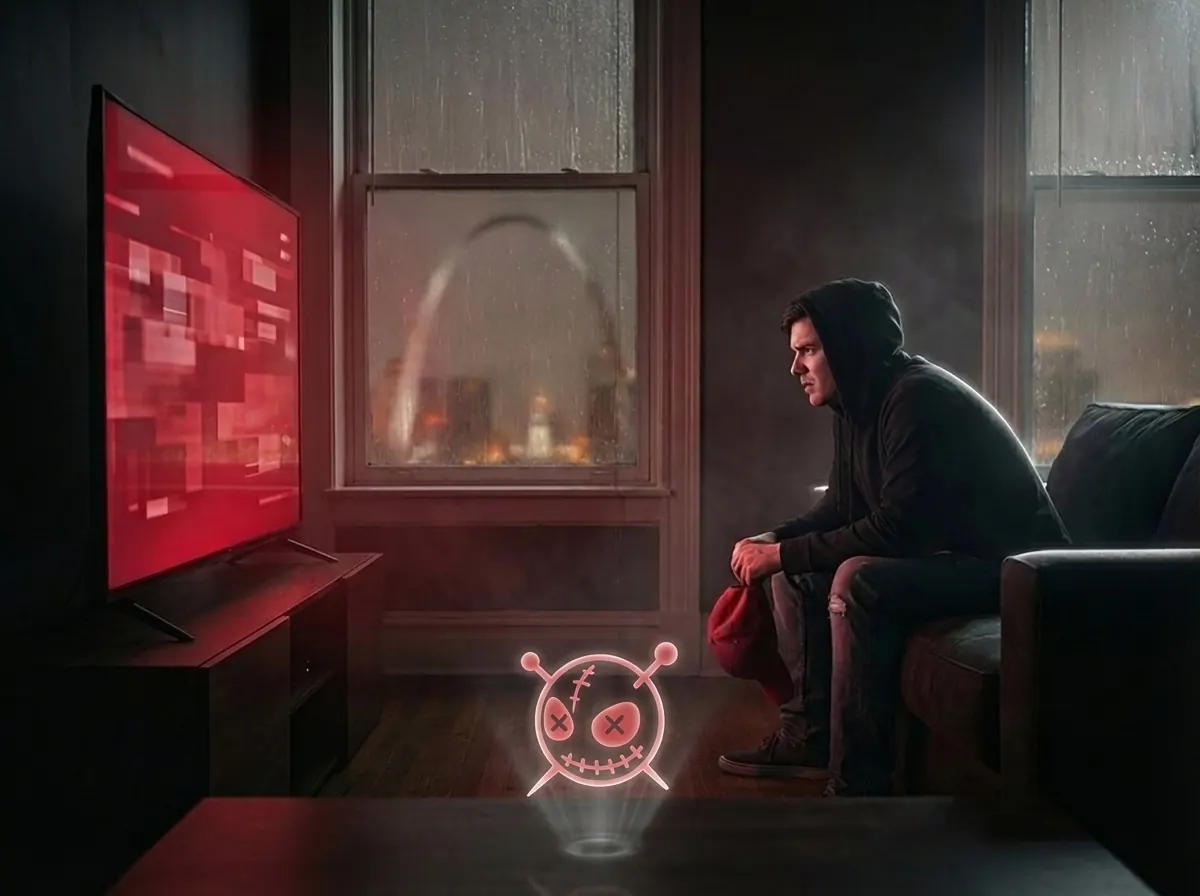
If a Cardinals game says it is blacked out, start with the package. For the 2026 season, the Cardinals offer Cardinals.TV for in-market viewing without local blackout restrictions. MLB.TV remains the normal option outside the team's television territory. National exclusives can still apply.
That changes the troubleshooting order. Confirm the correct service first. Then check the game's broadcaster and the service's location check. Only troubleshoot the browser after those checks pass.
Quick answer
A Cardinals game is usually blacked out because the package does not match your location, the game is a national exclusive, you are traveling, or MLB's location check needs review.
- If you live inside the Cardinals local TV territory, check Cardinals.TV first.
- If you live outside the territory, MLB.TV is still the normal package.
- If the right package still fails, check the broadcaster, the location check, and official support.
Step 1: Make sure you bought the right product
The first issue to check is simple: the subscription and the territory may not match. Cardinals fans now have two different paths.
Cardinals streaming decision tree
- Inside Cardinals TV territoryStart with Cardinals.TV
- Outside Cardinals TV territoryMLB.TV is still the normal option
- National exclusive gameCheck the separate broadcaster
- Correct package but still blockedAsk support to verify location
If you are still working from the older blackout playbook, read the broader hub article here. That piece explains the larger economics. This page is the practical Cardinals-specific version.
What changed for Cardinals fans in 2026
The meaningful change is that the Cardinals now have an in-market direct-to-consumer path. That matters because older blackout articles were written around the assumption that local Cardinals fans had to route around RSN-era access limits. For a lot of fans, that assumption is no longer accurate.
Package confusion and national rights can still block a game. Travel can also change which package applies. The official watch page should be the first source for each game.
Why is the Cardinals game blacked out tonight?
- You bought MLB.TV while sitting in-market. MLB.TV is the out-of-market option. Check Cardinals.TV for local access.
- The game is on a separate national broadcast. Check MLB's current Cardinals exclusives list. A correct local or out-of-market package does not override national exclusives.
- You are traveling. Your current location can change which service or restriction applies.
- The service's location check needs review. Ask MLB support how it determined your territory before treating the browser as the cause.
Why a VPN is not the first step
A VPN changes the network route. It does not add Cardinals.TV to an account, change national broadcast rights, or control how MLB determines your territory.
MLB's subscription terms say geography may use the IP address and other factors. That makes a VPN an unreliable answer to an entitlement problem. For the technical distinction, see browser isolation vs VPN.
Where a separate browser session fits
Use a separate browser session only after the entitlement checks pass. Sign out, clear stale site state, or follow the reset steps from official support first.
Legba can open the site in an isolated browser off your device. That gives you a separate session for troubleshooting. It does not change subscription rights, game availability, or national exclusives.
The shortest troubleshooting path
- Confirm whether you are inside or outside the Cardinals local TV territory.
- Use Cardinals.TV for in-market viewing and MLB.TV for out-of-market viewing.
- Check whether the game has a national-exclusive broadcast exception.
- Ask MLB support to verify its territory determination.
- If support confirms access, retry from a separate browser session.
FAQs.
Do Cardinals fans still need MLB.TV if they live in St. Louis?
Why is the Cardinals game blacked out tonight?
Will a VPN reliably fix Cardinals blackout issues?
Where does Legba fit in the workflow?
More on sports access
These pages cover blackout rules, streaming libraries, and the VPN versus isolation tradeoff.
You Paid for the Stream and Still Hit a Blackout Screen. That's the Scam.
Sports blackouts and fragmented rights still leave paying fans without a game. See why the model fails in 2026 and what to check next.
The Show Exists. You're Paying for Netflix. You Just Can't Watch It Because You're in the Wrong State.
Netflix, BBC iPlayer, Disney+, and other streaming platforms hide content behind invisible borders. You pay full price. You get a partial library. Here's why.
Browser isolation vs VPN: which tool fits in 2026?
VPNs protect a network path. Browser isolation changes where web content runs. Compare their scope, limits, and best uses.
Free for 30 days. No card required.
Try a separate browser session
Legba is a Chrome extension with two modes. Ghost gives you a private browser route. Shield opens a page in an isolated browser off your device. $10 a month, or $100 a year.
