Device Code Phishing: Why Your SOC Can't See the Attack Until It's Too Late
EvilTokens encrypts device code phishing payloads. See why static SOC analysis misses them until a browser executes the attack.
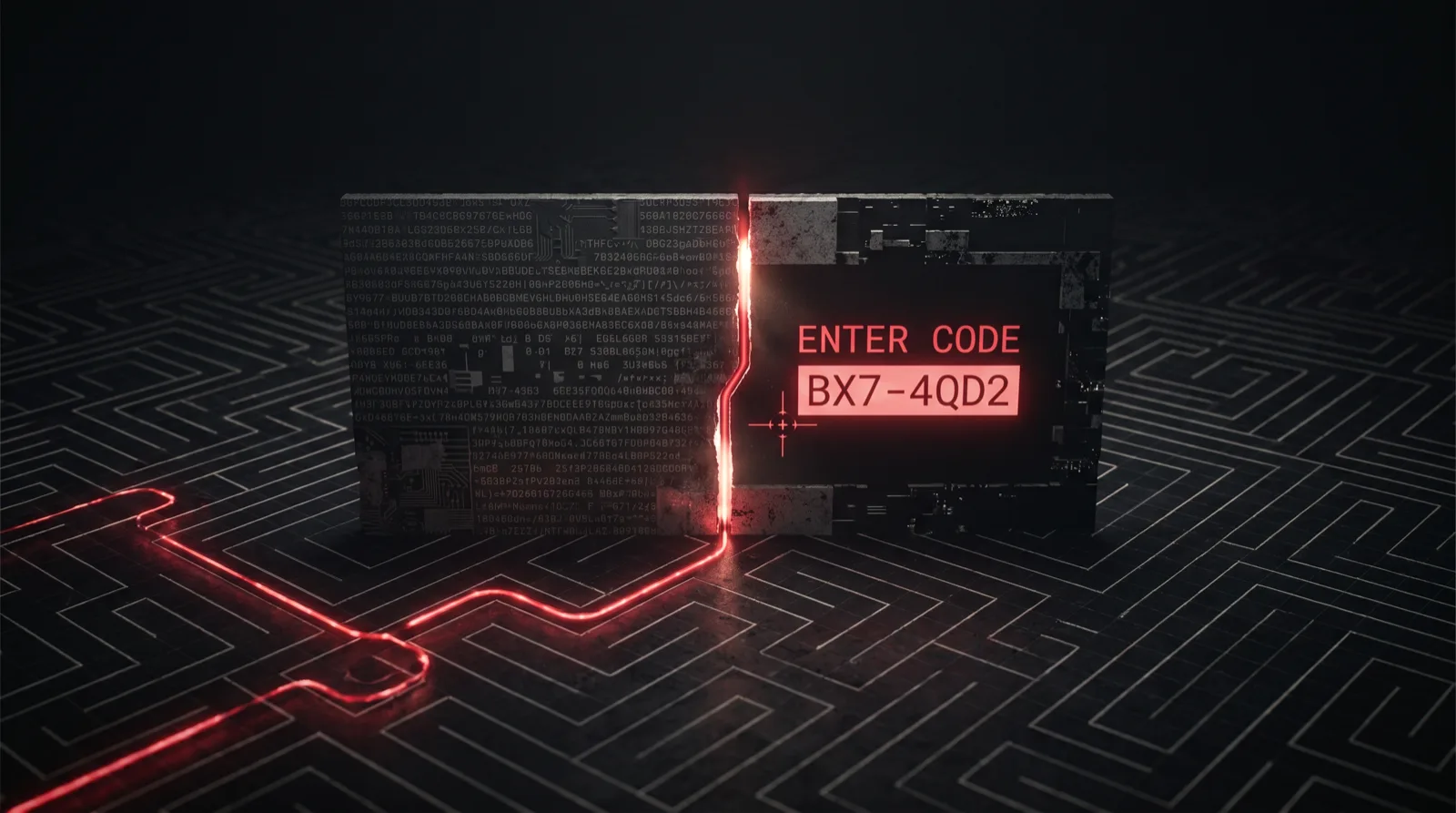
An analyst receives a suspicious URL. It comes in through an email security gateway alert, lands in the SIEM queue, and gets pulled for Tier 1 triage. The analyst opens the link in a static inspector, checks the response body, and finds a wall of encrypted JavaScript. Nothing obviously malicious. No fake login page. No credential-harvesting form. The case gets downgraded to low confidence and sits in the queue while the real attack completes inside a colleague's browser.
This is not a hypothetical failure mode. It is the documented design of EvilTokens, a device code phishing kit actively hitting banking, technology, manufacturing, and managed security organizations across the United States and Europe. The mechanism is deliberate: the phishing payload is delivered as an AES-GCM encrypted blob and decrypts only when browser-side JavaScript executes it. Everything you see before browser execution is ciphertext. Everything the attacker needs happens after.
The attack exposes a precise gap in modern SOC visibility. The threat is not in the URL. It is not in the HTTP response. It lives in the execution layer. That is exactly where most enterprise security tools stop looking.
What Device Code Phishing Actually Does
Traditional phishing is simple: fake login page, stolen credentials, done. Device code phishing works differently, and that difference is what makes it so effective against organizations that have invested heavily in credential-based controls.
EvilTokens abuses Microsoft's legitimate OAuth Device Code authentication flow: the mechanism designed to let users sign in to services from devices without a keyboard by entering a short code on a separate screen. The flow is real, documented, and built into Microsoft 365. EvilTokens weaponizes it.
In the attack, the victim visits a phishing URL and is presented with what looks like a Microsoft login prompt asking them to enter a user code. That code is real: generated by the attacker, valid for 15 minutes, tied to the attacker's pending Microsoft authorization request. When the victim enters it into the genuine Microsoft device-code endpoint, they complete the authentication handshake on the attacker's behalf. No credentials stolen. No malware delivered. No fake login form to detect. The attacker receives a valid OAuth access token for the victim's Microsoft 365 account: mailbox, SharePoint, Teams, OneDrive, and any connected services.
The encryption layer is what defeats early detection. The landing page that delivers the device code prompt is not served as readable HTML. It arrives as an AES-GCM encrypted payload inside the HTTP response. Browser-side JavaScript holds the decryption key and renders the visible phishing interface after execution. A static analysis pass, reading the response body, scanning for known malicious patterns, checking the URL against threat feeds, returns only the encrypted blob. The actual phishing page that triggered the alert never appears.
This is intentional kit design, not a side effect. The encryption exists to defeat exactly the tooling your SOC uses to triage suspicious links.
The Visibility Gap This Creates for SOC Teams
Every SOC phishing triage workflow rests on an assumption: that a URL and its initial HTTP response contain enough signal to make a confidence decision. Phishing kits have been eroding that assumption for years with redirects, cloaking, and geofenced content. Device code phishing kits like EvilTokens go further. The threat does not exist until a browser executes code that static inspection never runs.
Here is what each layer of the standard triage stack sees:
| Triage method | What it sees with EvilTokens |
|---|---|
| URL reputation / threat feed | Encrypted URL, likely clean or unknown |
| HTTP response body inspection | AES-GCM ciphertext: no readable content |
| Static HTML/JS analysis | Encrypted blob: no phishing indicators |
| Network-layer sandbox | Encrypted response: payload never decrypts |
| Headless browser / crawler | Depends on JS engine; decryption may not complete |
| Real browser (isolated) | Full phishing page rendered, OAuth flow initiated, device code visible |
The table makes the problem concrete. Everything above the last row produces the same result: nothing conclusive. The analyst who works only from static inspection has no basis for a confident decision. The case escalates, ages, or closes. Meanwhile, the device code the attacker generated stays valid for 15 minutes. If a user clicked the link during that window, the token is already issued.
For Tier 1 analysts working through high-volume queues, this ambiguity is operationally expensive. Unresolved cases push to Tier 2. Tier 2 time is finite. Each escalation that should have been a clear confirm-and-close at Tier 1 instead consumes analyst hours and delays response on everything else in the queue.
The sectors EvilTokens targets make this worse. Activity concentrates in environments where a single compromised M365 account has outsized downstream impact: banking, where it means client communications, deal flow, and wire-transfer approvals; technology companies, where it means cloud credentials and code repositories; managed security providers, where a compromised account can pivot into customer environments. The kit targets organizations precisely because one token is worth a lot.
Why Traditional Security Tools Miss It
Understanding why existing tools fail here is not an academic exercise. It determines what you actually need to close the gap.
Email gateways and URL scanners detonate links in automated sandboxes and check for known-bad responses. An AES-GCM encrypted payload returns no recognizable phishing content. The sandbox sees ciphertext and moves on.
Endpoint detection fires on malicious behavior on the endpoint: dropped files, process injection, credential theft. EvilTokens drops nothing and injects nothing. It initiates an OAuth flow. There is no endpoint behavior to detect because the attack completes on Microsoft's infrastructure, not the victim's machine.
Network monitoring sees encrypted HTTPS traffic to what appears to be a legitimate URL. The device code flow itself goes to Microsoft's real authentication endpoints. There is no connection to attacker infrastructure to flag.
Threat intelligence feeds help when you have the URL or infrastructure already indexed. A freshly generated EvilTokens campaign URL is clean. The kit rotates infrastructure specifically to avoid prior-indexed reputation.
The common thread: every tool in that list looks at the URL, the response, the endpoint, or the network. Everything except the execution layer where the attack actually lives.
What Remote Browser Isolation Does (And Where Most Solutions Stop)
Remote browser isolation is the architecture that addresses the execution layer problem. Instead of running web content on the analyst's machine or in a lightweight sandbox, RBI executes the page in a fully isolated remote container. The analyst sees the result; their endpoint never touches the code.
For device code phishing, RBI changes the equation in a specific way. The AES-GCM payload decrypts inside the remote container because the full JavaScript engine runs it. The OAuth device code flow initiates because the browser is real. The phishing interface renders because that is what happens when the page executes. The analyst sees exactly what the victim would see, without any of it touching their endpoint.
That is the right foundation. But most enterprise RBI products stop there, and that gap matters for SOC investigation work.
Traditional enterprise RBI, including Zscaler, Menlo, and Broadcom, is built for a different job: protecting end users as they browse the web. The architecture streams a visual representation of the remote page back to the user's screen. For a finance employee opening an unknown link, that is a solid protection model. For a SOC analyst investigating a suspected phishing kit, it is not enough.
Here is why: the analyst who sees the rendered phishing page via a traditional RBI visual stream has confirmed the page is malicious. What they cannot do is pull the evidence they need to respond. The HTTP request log stays in the remote container. The decrypted DOM is not accessible. The JavaScript execution trace is not exposed. The device code, the concrete indicator that ties this attack to a specific campaign and a 15-minute token window, is visible on screen but not extractable as an artifact.
The analyst saw the attack. They did not capture it.
Where Legba fits
Legba provides browser routing and isolation through a Chrome extension. Ghost gives the analyst's browser a private route. Shield opens the suspicious page in an isolated browser off the analyst's device. Agent builders reach the same routing and isolation through a ready skill.
Shield separates page execution from the analyst's everyday browser environment. That is an isolation boundary, not a forensic evidence system. A malicious page can still receive anything the analyst deliberately enters.
Legba does not currently promise DOM exports, request logs, device-code extraction, or evidence retention. Pair isolation with validated forensic tooling when an investigation needs those artifacts.
What a Full-Execution Investigation Reveals
When a device code phishing URL runs inside a real browser, more of the attack chain becomes visible. A forensic browser designed for evidence capture may expose:
- The rendered phishing page: the actual interface the victim saw, including the Microsoft-branded device code prompt, the user code displayed, and any trust signals the kit uses to appear legitimate.
- The HTTP request log: every network call the page made after load, including the specific request to Microsoft's device-code authorization endpoint that initiates the OAuth flow.
- DOM state post-execution: the decrypted HTML structure that the JavaScript built after running the AES-GCM decryption, which is invisible to any pre-execution analysis.
- The device code value: the concrete string the victim is instructed to enter, which is simultaneously the attacker's pending authorization request.
That last artifact is what makes a single investigation extensible into campaign visibility. The device code, combined with the OAuth flow signature, is a specific indicator you can search against your environment: other inboxes that received URLs from the same campaign, other users who may have clicked and completed the flow, conditional access logs that show device-code authentication events in the relevant time window.
One triage execution does not just close one case. It opens the thread on every user the same campaign touched.
Building Device Code Phishing Awareness Into Your SOC
EvilTokens is not a one-off. The device code phishing technique predates EvilTokens and is documented in MITRE ATT&CK under T1528 (Steal Application Access Token). The AES-GCM encryption layer that defeats static analysis is a refinement on top of an already-established attack pattern. Expect more kits to adopt it.
The detection and response adjustments that actually help:
Treat browser execution as a standard triage step. Static inspection should still run. It is fast and catches a large portion of threats. But when static inspection returns inconclusive results on a URL that triggered a gateway alert, that is not a signal to downgrade the case. It is a signal to execute the URL in an isolated browser and look at what runs.
Build hunting logic around device code authentication events. Azure AD sign-in logs capture OAuth device code flows. A user completing a device code authentication from an unusual location, at an unusual time, or on a URL that was also flagged by your email gateway is a high-confidence indicator. This hunting logic catches the attack at the token-issuance step even when the phishing page was never analyzed.
Scope your conditional access policies to device code flows. Microsoft Entra ID (formerly Azure AD) allows conditional access policies that restrict which users and devices can complete device code authentication. For most organizations, device code auth is only legitimately needed for specific scenarios. Restricting it by default significantly reduces the attack surface.
Use browser isolation before live execution. Browser isolation changes where page code runs. Pair it with validated forensic tooling when analysts need a retained execution record.
The Operational Implication
The device code phishing pattern spreads because it works. AES-GCM payload encryption is a standard Web Crypto API call available in every modern browser. Any kit author who wants to frustrate static triage can implement the same gate in an afternoon, and the documentation for doing so is publicly available. The techniques that defeated EvilTokens detection will appear in the next kit, and the one after that.
SOC teams can add browser execution to first-pass triage instead of reserving it for senior analysts. The browser should keep page execution off the analyst's endpoint. Separate forensic tooling must provide any execution record the team needs to review or export.
The analyst who can execute the URL and inspect the result can resolve cases that static tools leave ambiguous. Without safe execution, those cases move deeper into the queue while the token window continues.
The attack lives in the execution layer. The investigation has to go there too.
Continue the deep dive
Related reading on isolated browsing and disposable sessions for high-risk web work.
How Legba browser isolation works
Shield runs the page in an isolated browser. That browser is off your device. See what happens when you open the tab. See what ends when you close it.
What is remote browser isolation (RBI)?
Remote browser isolation runs websites away from your device. Your browser receives rendered output. See RBI delivery models, benefits, and limits.
What is a disposable browser? Uses and limits
A disposable browser uses a temporary session. Learn what session cleanup changes, what can persist, and how it differs from incognito mode.
Free for 30 days. No card required.
Keep the suspicious page off your device
Shield opens the page in an isolated browser off your device. Agent builders reach the same isolation through a ready skill.
