
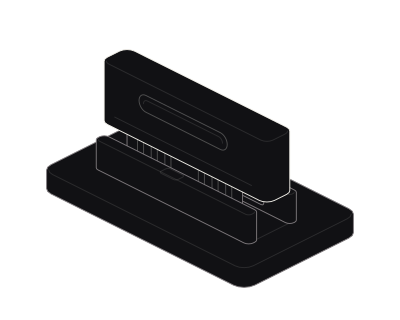
 Arrow keys explore parts. Home selects the first. End selects the last. Escape restores the overview.
A separate browser for every task.
Run each task in an isolated browser. The browser is destroyed when the session closes.
A real headful Chromium on a fresh residential IP. Spawned per task, destroyed on close. Your agent logs in, clicks, and reads the rendered page, then the browser is gone.
Your agents need routing and isolation. Legba provides both through a ready skill.
Arrow keys explore parts. Home selects the first. End selects the last. Escape restores the overview.Run each task in an isolated browser. The browser is destroyed when the session closes.
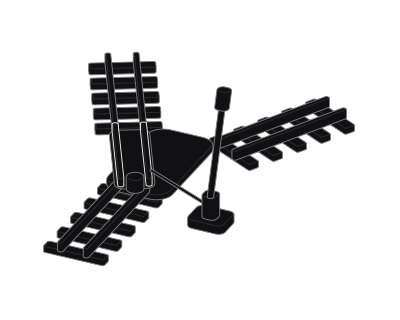 Arrow keys explore parts. Home selects the first. End selects the last. Escape restores the overview.
Connect through the agent skill or a proxy endpoint. Use a private route for browser traffic.
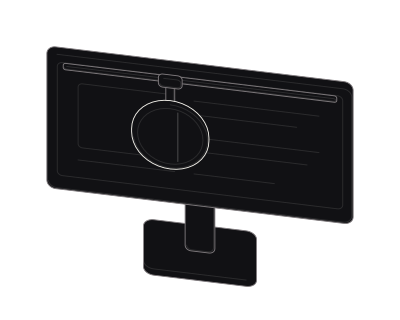 Arrow keys explore parts. Home selects the first. End selects the last. Escape restores the overview.
Chromium renders the page, including its layout and images. Your agent reads the page and interacts with it.
[ session lifecycle ]
Reach the engine over MCP, the API, or the SDK. The lifecycle is the same every time. Spawn a scoped session, do the work, destroy it. Nothing persists unless you say so.
Your agent calls spawn. Pick a geography, scope the reach, set the TTL. A real Chromium boots on a fresh residential IP. Nothing from the last run is carried in.
The agent drives over MCP, the API, or the SDK. It navigates, clicks, types, and reads the rendered page. The session sees only what you scoped.
The TTL hits or the agent closes the session. Cookies, storage, tokens, and fingerprint go with it. Nothing escapes because nothing is left.
Choose the skill, read the docs, or compare plans.
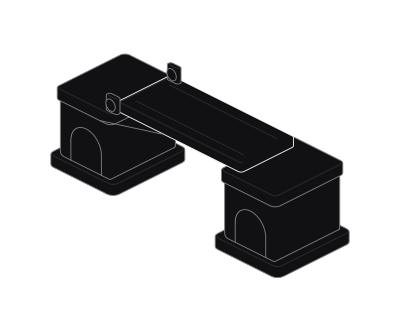 Arrow keys adjust the opening. Home and End set the minimum and maximum. Escape restores the resting view.
 Arrow keys adjust the opening. Home and End set the minimum and maximum. Escape restores the resting view.
 Arrow keys adjust the opening. Home and End set the minimum and maximum. Escape restores the resting view.
Legba is a Chrome extension with two modes. Ghost gives you a private browser route. Shield opens a page in an isolated browser off your device.
Free for 30 days. No card required.
Ghost. A private route for your browser. Shield. An isolated browser, off your device. Choose the mode. Close when finished.