What is browser fingerprinting? How tracking persists
Browser fingerprinting identifies devices through hardware and software signals. See what forms a fingerprint and why no single control erases every signal.
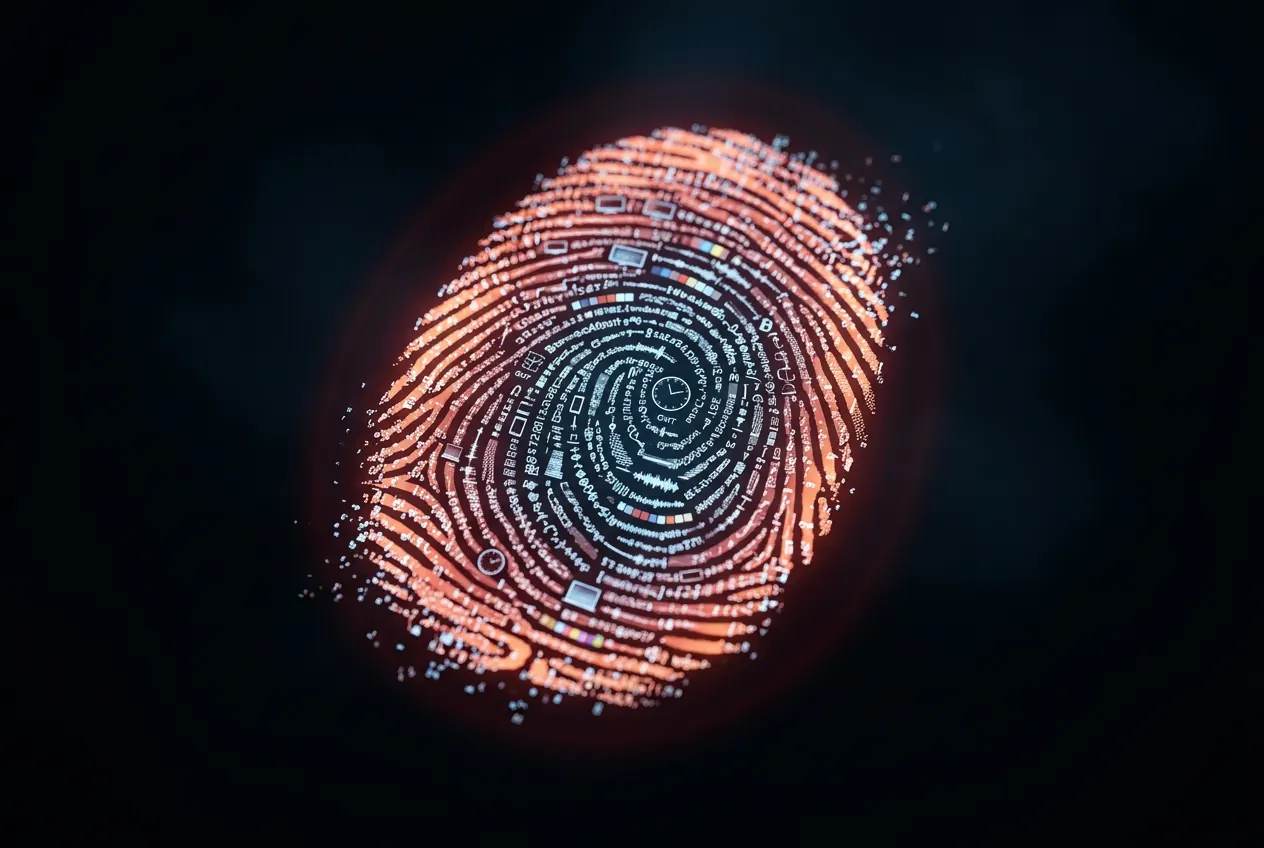
You cleared your cookies. You opened incognito mode. You even connected to a VPN. Then you opened your favorite shopping site and there it was: the exact product you looked at yesterday, displayed in a "recommended for you" section. No cookies. No login. No obvious connection to your previous session.
That is browser fingerprinting. It does not need cookies. It does not need your login. It does not care about incognito mode. Your browser itself is the identifier, and unless you actively break that identifier, it follows you everywhere.
What Browser Fingerprinting Is
Browser fingerprinting is a tracking technique that collects information about your browser and device configuration and combines it into a unique or near-unique identifier. This identifier persists across browsing sessions without requiring cookies, login state, or any data stored on your device. Websites, ad networks, and analytics platforms use it to recognize you even when traditional tracking methods (cookies, IP addresses) are blocked or cleared.
The power of fingerprinting is in the combination. Any single data point (your screen resolution, for example) is shared by millions of devices. But when you combine your screen resolution with your GPU model, installed fonts, timezone, language settings, browser version, and dozens of other signals, the resulting combination becomes unique to your specific device.
What Data Makes Up a Browser Fingerprint
A browser fingerprint is assembled from data that your browser willingly provides to every website you visit. None of this requires special permissions or user consent.
- User agent string. Your browser type, version, and operating system. Chrome 124 on Windows 11 vs Safari 17.4 on macOS 14.
- Screen resolution and color depth. The pixel dimensions of your display and how many colors it can render.
- Installed fonts. The list of fonts available on your system. Every application you install can add fonts, making this list highly variable across devices.
- GPU and graphics rendering. Your specific graphics hardware produces subtly different rendering outputs in Canvas and WebGL, creating a hardware-specific signature.
- Timezone and language settings. Your configured timezone and preferred language narrow the population of matching devices.
- CPU core count. The number of logical processor cores reported by the browser through the Navigator API.
- Audio processing characteristics. The AudioContext API processes audio slightly differently depending on hardware and driver configurations, creating an audio fingerprint.
- Browser plugins and extensions. While modern browsers have reduced plugin enumeration, certain extensions modify page behavior in detectable ways.
- Platform and architecture. Whether you are running on x86, ARM, or another architecture. Whether the OS is 32-bit or 64-bit.
- Do Not Track setting. Ironically, enabling Do Not Track adds another distinguishing signal to your fingerprint, since most users leave it at the default setting.
How Unique Is Your Fingerprint?
More unique than most people expect. The Electronic Frontier Foundation (EFF) developed a tool called Panopticlick (now Cover Your Tracks) that analyzes browser fingerprints for uniqueness. Their research found that the vast majority of browsers produce a fingerprint that is unique among hundreds of thousands of samples.
A 2010 EFF study of over 470,000 browsers found that 83.6% were uniquely identifiable based on their fingerprint alone. For browsers with Flash or Java enabled (common at the time), uniqueness rose to 94.2%. More recent studies have confirmed similar results: a 2020 study published in the IEEE Symposium on Security and Privacy found that fingerprinting accuracy remained high even with the reduced API surface of modern browsers.
The math is simple. If your fingerprint contains 20 independent attributes and each attribute has at least a few common values, the total combination space is enormous. Even with millions of browsers, your specific combination of screen resolution + GPU + fonts + timezone + language + audio processing characteristics is likely unique.
How Fingerprinting Works in Practice
Canvas Fingerprinting
A website draws a hidden image or renders text using the HTML5 Canvas API. Because different GPUs, drivers, operating systems, and font rendering engines produce subtly different pixel-level output, the resulting image is unique to the device. The website hashes the image data into a compact identifier. The user sees nothing. The entire process is invisible.
WebGL Fingerprinting
WebGL allows websites to render 3D graphics using your GPU. Different GPUs handle floating-point arithmetic, shading, and rendering pipeline operations in slightly different ways. A website can request specific rendering tasks and use the output to identify your GPU and driver combination.
AudioContext Fingerprinting
The Web Audio API processes audio signals. A website generates a silent audio signal, processes it through the AudioContext, and measures the output. Differences in audio hardware, drivers, and OS-level audio processing produce device-specific results. Like canvas fingerprinting, this happens invisibly.
Font Fingerprinting
Websites can detect which fonts are installed on your system by rendering text in various fonts and measuring the resulting dimensions. If a specific font is installed, the rendered text will have predictable dimensions. If it is not installed, the browser will fall back to a default font with different measurements. By testing hundreds of font names, a website can build a list of your installed fonts.
Who Uses Browser Fingerprinting (And Why)
Browser fingerprinting is not exclusively used for invasive tracking. Several industries use it for legitimate purposes.
- Advertising networks. Cross-site tracking to serve targeted ads. This is the use case most people object to. Fingerprinting allows ad networks to recognize you across websites even after you clear cookies.
- Fraud detection. Banks and payment processors use fingerprinting to detect when a login attempt comes from an unrecognized device. If the fingerprint does not match previous sessions, additional authentication may be required.
- Bot detection. Services like Cloudflare, reCAPTCHA, and Akamai use fingerprinting to distinguish human users from automated bots. Bots often have distinctive fingerprints (headless browsers, missing APIs, inconsistent user agents).
- Analytics platforms. Some analytics services use fingerprinting as a fallback when cookies are blocked, to maintain session continuity and visitor counts.
- Content licensing. Streaming services and digital content platforms use fingerprinting as one signal in device authentication and content access controls.
Why Incognito Mode Does Not Stop Fingerprinting
Incognito mode (and equivalent private browsing modes in Safari and Firefox) clears local data when you close the window: browsing history, cookies, and form data. It does not change your browser fingerprint.
Your fingerprint is derived from your hardware and software configuration. Opening incognito mode does not change your screen resolution, your GPU, your installed fonts, or your timezone. The fingerprint in an incognito session is identical to the fingerprint in a normal session. Websites that track you via fingerprinting cannot tell the difference.
Google explicitly acknowledged this in its 2024 Incognito mode disclaimer update, stating that incognito does not change how data is collected by the websites you visit. For the full breakdown of what incognito mode does and does not do, see Stop Using Incognito Mode for Security. For the three-way comparison with browser isolation, see Browser Isolation vs Incognito Mode vs Private Browsing.
What Actually Reduces Fingerprinting
If incognito mode does not help, what does? There are three approaches with meaningful impact.
Tor Browser: Fingerprint Homogenization
Tor Browser takes the approach of making every user look identical. It standardizes the screen size, disables WebGL and Canvas by default, restricts font enumeration, and blocks most fingerprinting vectors. The tradeoff is significant: browsing speed is slower (traffic routes through multiple relays), and many websites block or degrade the Tor Browser experience.
Anti-Detect Browsers: Fingerprint Spoofing
Tools like Multilogin and GoLogin generate synthetic browser fingerprints. Each browser profile presents a different (but internally consistent) set of hardware and software signals. These are primarily used in marketing, e-commerce, and account management workflows where operating multiple distinct browser identities is the goal. They are effective for fingerprint diversity but do not provide security isolation.
Browser isolation: a different execution environment
A remote browser can present signals from its execution environment instead of the endpoint. That does not prove that each session is unique or prevent correlation through accounts, network details, and behavior.
Session cleanup and fingerprint behavior are separate product questions. Test both. Do not infer one from the other.
For a deeper look at how cookie-based tracking and behavioral profiling work alongside fingerprinting, see The Cookie Conspiracy. For the full explanation of browser isolation technology, see What Is Browser Isolation? The Complete 2026 Guide.
How isolation changes fingerprint signals
A fingerprint reflects the browser environment a site can observe. Moving page execution can change that environment. It does not guarantee anonymity or a new identity.
- Execution signals can differ. A remote browser may expose its own fonts, rendering, and platform signals.
- Uniqueness is not assured. Multiple sessions may still share observable characteristics.
- Correlation has other paths. Accounts, route details, payments, and behavior can connect sessions.
- Cleanup is separate. Verify which browser state and provider records remain after close.
Where Legba Fits
Legba is a Chrome extension with two modes. Ghost gives the browser a private route. Shield opens a page in an isolated browser off the device. Closing Shield destroys that isolated browser session.
Neither mode promises a clean or unique fingerprint. Sites can correlate accounts, network details, browser signals, and information you provide. Session cleanup does not remove records a site already holds.
For context on how data exposure reaches even security professionals, see Your Data Is Already Out There.
Continue the Privacy Deep Dive
The incognito myth buster, the cookie tracking explainer, and the three-way privacy comparison.
Stop Using Incognito Mode for Security. It Doesn't Work.
Incognito mode doesn't protect you from malware, phishing, or tracking. Here's what it actually does and what you need instead for real browser security.
The cookie conspiracy: how websites track you and what isolation changes
The truth about cookie tracking, price discrimination myths, and how isolated browser state changes cross-session tracking.
Browser Isolation vs Incognito Mode vs Private Browsing: What's Actually Private?
Incognito clears local history. Remote browser isolation changes where page code runs. Compare their distinct scopes and limits.
Free for 30 days. No card required.
Choose the browser boundary
Legba is a Chrome extension with two modes. Ghost gives you a private browser route. Shield opens a page in an isolated browser off your device.
